ON THIS PAGE
By Efe Berke Colaker, Founder at GetleadReviewed by the Getlead editorial team for accuracy. Last updated August 2026.
Every cold email disaster story has the same shape. A campaign goes out from the company domain, complaints spike, and suddenly the invoices are landing in spam too. The outbound experiment is over and the finance team is asking why customers say they never received the renewal notice.
A dedicated sending domain is insurance against that, and it costs about ten dollars a year. This is how to set one up properly: naming, DNS, mailbox count, warm-up and the mistakes that make the whole exercise pointless.
Why separation is not optional
Reputation is tracked at the domain level. Filters build a picture of your sending domain over time, and that picture applies to every message from it, transactional or not. There is no partition between the mail your marketing sends and the mail your billing system sends when both leave from the same domain.
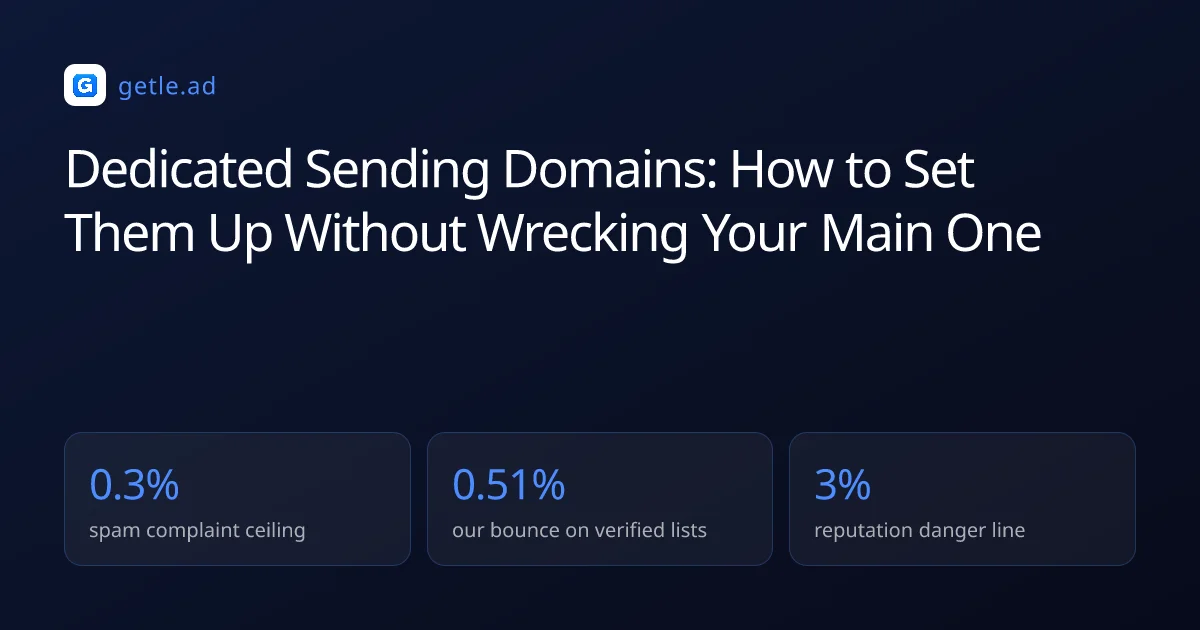
The complaint ceiling published for bulk senders is 0.3% of delivered messages. And cold outbound is by nature the highest complaint activity a company does. Attaching that risk to the domain that carries your contracts is a decision, and usually an accidental one.
A dedicated sending domain is a separate domain used only for outbound campaigns. So that reputation damage from cold email cannot reach the domain carrying invoices and support replies.
For example, two domains at roughly ten dollars a year plus eight mailbox seats covers a 6,000 message month. The alternative, rebuilding reputation on a burned primary domain, has no invoice and costs weeks of delayed customer mail.
Choosing domains a prospect will believe
Prospects check the domain before they reply. A sending domain that looks like a throwaway kills the reply rate whatever the copy says. So pick names you would be comfortable printing on a business card.
Point the domain at a real page. A prospect who clicks through to a parked registrar screen has learned everything they need about how seriously you take this. A single page that describes the company and links to the main site is enough.
Do not buy expired domains
An expired domain arrives with history you did not create and cannot audit. Reputation follows the domain, so a cheap aged name can be pre damaged in ways that take months to surface. Register clean and warm it yourself.
How many domains and mailboxes you actually need
Start from monthly volume and work down, keeping per mailbox volume conservative. Providers allow far more than is safe for cold outbound: Google Workspace permits 2,000 messages a day and Microsoft 365 allows 10,000 recipients a day. But those ceilings are designed for mail people asked for.
- Decide the monthly sending target from your pipeline math, not from what the tool allows.
- Divide by 20 working days to get a daily figure.
- Divide that by roughly 40 sends per mailbox per day, which is a safe post warm-up level.
- Round up to the number of mailboxes, then spread them across at least two domains.
- Keep one domain out of rotation as spare capacity, already warmed.
A worked example: 6,000 sends a month is 300 a day. That is roughly eight mailboxes at 40 a day, sensibly arranged as two domains with four mailboxes each. That is a completely ordinary setup and it costs less than one seat of most sales tools.
Why spare capacity matters
Mailboxes get flagged. When one does, you want to remove it from rotation and keep sending rather than pause the program while a replacement warms for three weeks. A warmed spare turns an incident into an inconvenience. Holding one in reserve means warming it yourself months ahead, or buying a pre-warmed mailbox on a spare domain and leaving it idle until the day it is needed.
What the setup actually costs
For example, two domains at roughly ten dollars a year each, plus eight mailboxes at whatever your provider charges per seat, is the whole bill. On Google Workspace or Microsoft 365 that lands somewhere near the cost of a single seat of most sales engagement tools. And it is the part of the stack that determines whether any of the rest works.
Compare that against the alternative. Rebuilding reputation on a burned primary domain means weeks of reduced deliverability on invoices, renewal notices and support replies. And there is no invoice for that damage because it shows up as customers saying they never got the email.
The DNS setup, in order
Same three records as any other domain, with one addition that people forget.
- SPF: one record only. Multiple SPF records are a permanent error under the specification.
- DKIM: publish the key your provider gives you and confirm the signing domain matches the From domain.
- DMARC: start at p=none with a reporting address so you can see what is happening before you enforce.
- MX: the sending domain has to receive mail too. Replies and bounces need somewhere to land.
- A record and a landing page, so the domain resolves to something real.
The MX step is the one that gets skipped, and it is the one that costs replies. A domain that cannot receive mail silently discards every response, which looks exactly like a campaign that nobody answered.
Verify with a real message rather than a settings screen. Send to a personal Gmail account, open the original headers, and check that SPF and DKIM both pass for your sending domain. Then register the domain in Google Postmaster Tools so you can watch complaint rate and reputation from day one.
Warm-up and the cutover to real volume
A new domain has no history, so the only evidence a filter has is the shape of the current send. Warm-up manufactures the missing history: small volumes, real opens and replies, growing gradually.
Keep warm-up running underneath campaigns rather than switching it off at cutover. It maintains the engagement signal on days when campaign replies are thin, which is most days in outbound.
Verify the first campaign list before it goes anywhere near the new domain. In our verification data 23.9% of raw records are invalid and 16.7% are catch-all. So an unverified first send is the fastest way to undo three weeks of careful warm-up.
What warm-up traffic actually is
Warm-up systems exchange mail between participating mailboxes and interact with it the way a person would: opening, replying, moving messages out of spam and marking them as important. Those interactions are the signals filters weigh when they have no other history for your domain.
The useful mental model is that you are not tricking a filter, you are supplying evidence. A domain whose mail is consistently opened and answered looks like a domain people want to hear from. And that is exactly what you are trying to become before you ask strangers for their attention.
Ramp shape matters more than the total volume. Doubling daily volume week over week reads as growth. Jumping from 20 to 400 in a day reads as a list purchase, which is the pattern filters are specifically built to catch.
The five mistakes that waste the setup
Each of these produces the same symptom: you did the work and placement is still poor.
- Sending from the new domain immediately. The largest ever send being today's campaign is the signature filters look for.
- No MX record. Replies vanish and the campaign looks like a failure rather than a configuration error.
- One mailbox at maximum volume. Concentration is the risk, and the fix costs the price of another mailbox.
- Tracking links on a fresh domain. A brand new link domain inherits none of your reputation and plenty of suspicion. Warm it or use a subdomain of an established one.
- Reusing the domain after a burn without diagnosing the cause. The cause usually travelled with the list, so a fresh domain repeats the incident within a quarter.
The last one is worth repeating because it is expensive. Domains are cheap and lists are the actual problem. So a burn is a signal to fix targeting and verification rather than to buy more infrastructure.
Sources and method
First-party data (Getlead, 2026): the verification split of 43.4% confirmed valid, 23.9% invalid, 16.7% catch-all and 16.0% unknown comes from 383,368 addresses analyzed through live SMTP verification. And the 0.51% bounce rate comes from 34,973 tracked sends, aggregated and anonymized at campaign level. Full method in our cold email benchmark study.
External sources: the 0.3% spam complaint ceiling and authentication requirements (Google Workspace sender guidelines, 2026); per account sending limits (Google Workspace sending limits documentation, 2026).
Provider limits and policies change without notice. Figures were checked in August 2026.
Frequently asked questions
Why should I use a separate domain for cold email?
Reputation is tracked per domain and applies to every message from it. Cold outbound is the highest complaint activity a company runs. So attaching it to the domain that sends invoices, contracts and support replies puts all of that mail at risk from one bad campaign.
How many sending domains do I need?
Two is the practical minimum, so you always have spare warmed capacity when a mailbox gets flagged. Size the mailbox count from volume: divide the monthly target by 20 working days, then by roughly 40 sends per mailbox per day, and spread the result across the domains.
What should a cold email sending domain be called?
Something a prospect would believe: your brand with a common suffix, or your brand on an alternative TLD. Avoid hyphen heavy names, misspellings and novelty TLDs, and point the domain at a real page rather than a parked registrar screen.
Do sending domains need an MX record?
Yes. The domain has to receive mail as well as send it, otherwise replies and bounce notifications are discarded. A missing MX record is the most common reason a technically correct setup produces a campaign that appears to get no answers.
How long should I warm a new sending domain?
Two to three weeks before it carries real campaign volume, ramping from a handful of messages a day per mailbox to 35 to 50 after four weeks. Keep warm-up running underneath live campaigns rather than switching it off at cutover.
Can I buy an aged domain to skip warm-up?
No. Age without sending history carries no reputation benefit, and an expired domain may arrive with damage from a previous owner that you cannot audit. Register clean and warm it yourself.