ON THIS PAGE
By Efe Berke Colaker, Founder at GetleadReviewed by the Getlead editorial team for accuracy. Last updated August 2026.
Rotation is one of those tactics that gets described as a hack when it is really just arithmetic. You need 300 sends a day, no mailbox should send more than 50. So you need seven mailboxes and something to distribute the work between them.
Where teams get it wrong is the granularity, the ratios and what rotation cannot fix. It buys headroom for a good list. It does nothing for a bad one except distribute the consequences.
What rotation is actually for
Filters evaluate senders individually. A mailbox sending 40 messages a day looks like an active salesperson. The same mailbox sending 400 looks like software, because no person writes 400 individual emails between coffees.
Rotation keeps every individual sender inside the believable range while the total rises. Six mailboxes at 40 a day produce the same 240 messages as one mailbox at 240. But the risk profile is completely different: no single sender is unusual, and a problem at one address does not stop the program.
The ratios that hold up
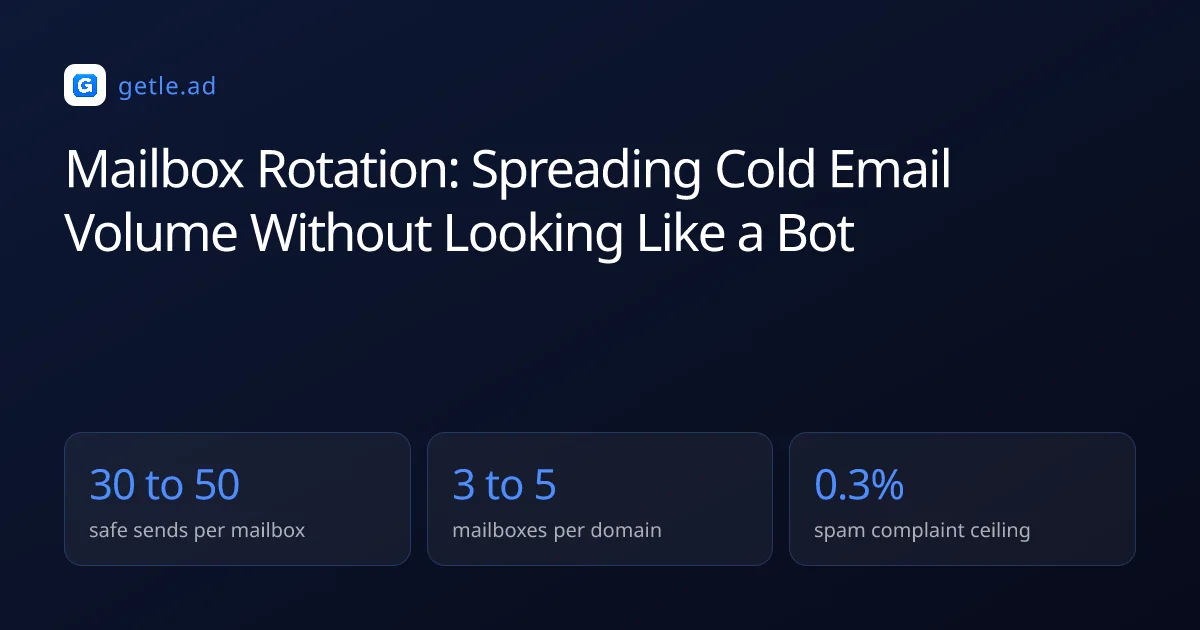
Three numbers define a rotation setup, and they interact. Push any one too far and the others stop protecting you.
The mailboxes per domain figure is the one people overshoot. Ten mailboxes on one domain does not distribute anything meaningful, because domain reputation is shared: the domain is the unit filters weigh. And ten senders on it all draw from the same account.
Worked setup for 300 sends a day
- 300 daily sends divided by 40 per mailbox is 8 mailboxes.
- 8 mailboxes at 4 per domain is 2 sending domains.
- Add a third domain with 2 warmed mailboxes held out of rotation as spare capacity.
- Total: 3 domains, 10 mailboxes, roughly 6,000 sends a month including follow-ups.
- Cost: about 30 dollars of domains a year plus 10 mailbox seats.
That covers a three step sequence to roughly 400 new prospects a month. That at median reply rates is a real pipeline contribution rather than a volume experiment.
Why not just add more mailboxes
Mailboxes are cheap, so the temptation is to scale the setup until volume stops being a constraint. Two things push back. Every mailbox needs its own warm-up period before it is useful, so capacity added today arrives in three weeks, not tomorrow. That lag is the argument for pre-warmed mailboxes: the three weeks happened before the order, so the fleet grows the week you decide to grow it.
And every mailbox is another inbox someone has to read. Replies are the point of the exercise, and a setup that generates more conversations than the team can answer within a day converts interest into silence.
Mailbox rotation is the practice of distributing outbound volume across several sending accounts so that no individual mailbox exceeds the daily volume a human sender would plausibly produce.
For example, a team needing 240 sends a day can run six mailboxes at 40 each across two domains. The monthly total is identical to one mailbox at 240 a day. But no single account looks automated and one flagged mailbox removes a sixth of capacity rather than all of it.
Rotate per prospect, never per message
This is the single most common implementation error and it is entirely self inflicted. If the sequence rotates per message, a prospect gets email one from Anna, the follow-up from David and the third from Sarah, all referencing a conversation that never happened.
From the recipient's side that is either a mistake or a mass mailing, and both readings increase the chance of a spam report. The complaint ceiling is 0.3% of delivered messages, so a self inflicted confusion tax is expensive.
- Assign the prospect to a mailbox at import, and keep that mapping for the entire sequence.
- Store the mapping with the record, not in campaign state, so a re-import does not reshuffle it.
- Route replies to the mailbox that sent, which is what the recipient expects anyway.
- If a mailbox leaves rotation, hand its prospects to one replacement rather than scattering them.
The last point matters when someone leaves the company. Moving their in flight sequences to a single successor keeps the thread coherent. And a short line explaining the handover usually performs better than pretending it did not happen.
Per prospect rotation is assigning each contact to one mailbox for the entire sequence, so follow-ups arrive from the person who wrote first.
What rotation cannot fix
Rotation is a distribution mechanism. It changes how volume is spread, not what the volume contains, and three problems survive it untouched.
The list point deserves the emphasis. Our verification data puts 23.9% of raw records as invalid and 16.7% as catch-all. So an unverified file bounces at a rate that damages every domain it touches. Rotation spreads that damage rather than preventing it, and you end up rebuilding three domains instead of one.
A suppression list is the global record of addresses that must not be contacted again, applied at send time rather than at import.
Operating a rotation setup week to week
Setup is a day. Operation is the part that decides whether it keeps working, and it comes down to watching per mailbox metrics rather than campaign averages.
- Check bounce rate per mailbox weekly, not just per campaign. One mailbox drifting up means its segment is stale.
- Check complaint rate per domain in Postmaster Tools, since that is where the data actually lives.
- Pull any mailbox whose reply rate collapses while volume holds steady, which usually signals placement rather than copy.
- Rest a pulled mailbox on warm-up traffic only for two weeks before returning it to rotation.
- Re-verify segments before every send, because rotation does nothing about decay.
Per mailbox visibility is what makes the whole design useful. Averages across eight mailboxes hide the one that is failing, and by the time the aggregate moves the domain has already absorbed the damage. Google Postmaster Tools is where the per domain half of that picture lives.
Consolidate replies into one place even though sends are distributed. Eight inboxes is eight chances to leave someone waiting two days. And reply speed is the only part of this system that touches revenue directly.
A weekly review that takes ten minutes
Open the per mailbox table, sort by bounce rate, and look at the top two. Then open Postmaster Tools for each domain and check complaint rate and domain reputation. Anything drifting gets its segment re-verified before the next send rather than after the next incident.
Write down the numbers weekly, even when nothing moves. Deliverability problems announce themselves as a trend across three weeks. And without a record you only notice at the point where replies have already stopped.
When a mailbox does need resting, note which segment it was working. Nine times out of ten the same segment is what damaged it. And returning the mailbox to rotation on the same list simply repeats the experiment.
Sources and method
First-party data (Getlead, 2026): the verification split of 43.4% confirmed valid, 23.9% invalid, 16.7% catch-all and 16.0% unknown comes from 383,368 addresses analyzed through live SMTP verification. And the 0.51% bounce rate comes from 34,973 tracked sends, aggregated and anonymized at campaign level. Full method in our cold email benchmark study.
External sources: the 0.3% spam complaint ceiling and sender reputation reporting (Google Workspace sender guidelines and Postmaster Tools, 2026); per account sending caps (Google Workspace sending limits documentation, 2026).
US commercial email obligations, including accurate headers, a physical postal address and a working opt-out honored within 10 business days, come from the FTC CAN-SPAM compliance guide.
Figures were checked in August 2026 and provider policies change without notice.
Frequently asked questions
What is mailbox rotation in cold email?
It is distributing sending volume across several mailboxes so each one stays inside a believable daily range. Six mailboxes at 40 messages a day produce the same total as one at 240. But no individual sender looks automated and a problem at one address does not stop the program.
How many mailboxes should I rotate?
Divide your daily target by 30 to 50 sends per mailbox. For 300 a day that is about eight mailboxes, arranged as three to five per sending domain across at least two domains, plus a warmed spare held out of rotation.
Should rotation happen per message or per prospect?
Per prospect. Assign each contact to one mailbox at import and keep that mapping for the whole sequence. Rotating per message means a follow-up arrives from a different person than the first email, which reads as a mistake and increases spam reports.
Does mailbox rotation improve deliverability?
It protects deliverability by keeping per sender volume low, but it does not improve the underlying signals. A stale or poorly targeted list still bounces and still generates complaints, and rotation simply spreads that damage across more domains.
How many mailboxes per domain is safe?
Three to five. Domain reputation is shared across every mailbox on it, so stacking ten mailboxes on one domain concentrates rather than distributes risk. Spread across at least two sending domains instead.
What should I monitor in a rotation setup?
Per mailbox bounce and reply rates weekly, and per domain complaint rate in Postmaster Tools. Campaign averages hide the single failing mailbox, and by the time the aggregate moves the domain has already taken the damage.