ON THIS PAGE
By Efe Berke Colaker, Founder at GetleadReviewed by the Getlead editorial team for accuracy. Last updated August 2026.
Someone works out that their Workspace account allows 2,000 messages a day, multiplies by five mailboxes, and builds a plan around 10,000 sends. The plan fails in week two, and the postmortem blames the copy. The mistake was upstream: a provider limit describes what the billing system permits, not what the filtering system tolerates.
This is the difference between the two numbers, the safe working figure for cold outbound. And how to size mailbox capacity from pipeline targets rather than from what the account allows.
What the providers actually allow
The published caps are generous because they are designed for normal business mail: newsletters people subscribed to, notifications, internal announcements. They are enforced as hard stops, so hitting one produces an error rather than a filtering penalty. That is why teams mistake them for a safety boundary.
Two details in that table cause real scheduling bugs. Google Workspace publishes a rolling rather than calendar based window. So a burst at 3pm frees up at 3pm the next day, not at midnight. And Microsoft counts recipients rather than messages, so a message to five people consumes five units of the cap.
Why the safe number is an order of magnitude lower
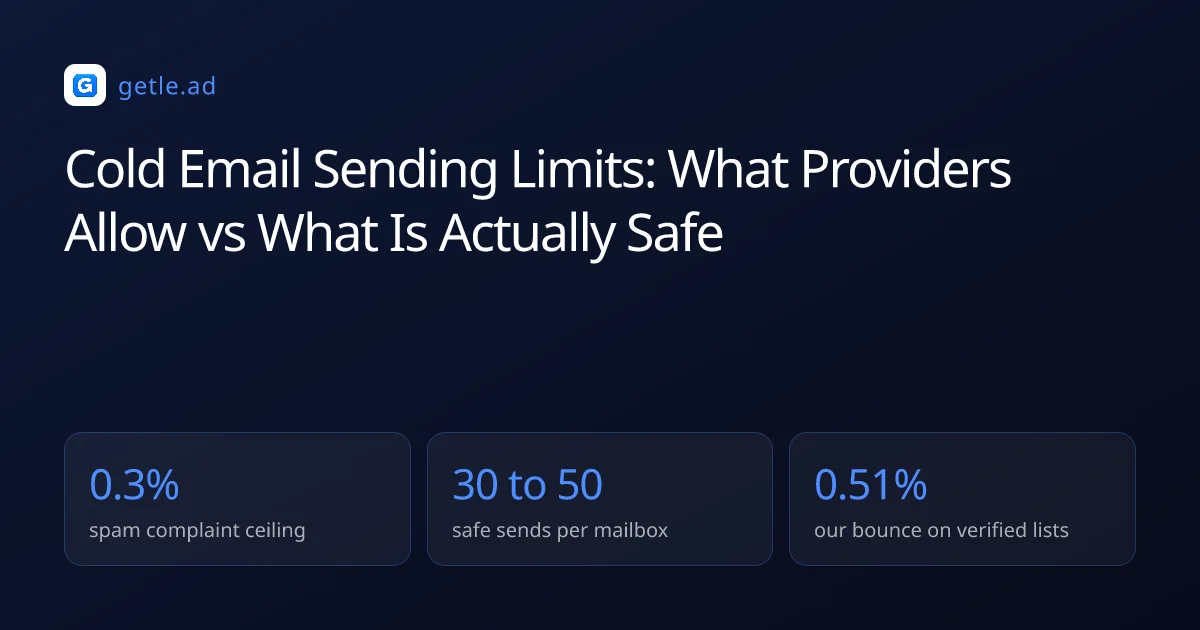
Filters do not read your provider quota. They read behaviour, and cold outbound is judged against a much harsher standard than mail people opted into, for one structural reason: it produces complaints, and the complaint ceiling for bulk senders is 0.3% of delivered messages.
Three behavioural signals decide whether a mailbox is treated as a person or a machine. Volume per mailbox is the first: a human sending 400 individually addressed cold messages in a day does not exist. Consistency is the second, because human sending is irregular and automation is suspiciously even. Engagement is the third, and it is the one that actually carries weight. Since a mailbox whose mail is opened and answered is given room that a silent one is not.
That last point is why the safe number rises with a good list and falls with a bad one. Sending 40 messages a day to a verified, tightly segmented audience is a different activity from sending 40 to a scraped file, even though the volume is identical.
A sending limit is the provider's hard cap on messages or recipients per account. That is a billing boundary rather than a statement about what volume is safe for cold outbound.
For example, Google Workspace permits 2,000 messages a day while a safe cold email figure is 30 to 50 per mailbox, a gap of roughly fortyfold that explains why quota based planning fails in week two.
Sizing capacity from pipeline, not from quota
Work backwards from meetings and the volume falls out of the arithmetic. Median B2B reply rates sit near 3%, with strong campaigns in the 5 to 8% range. And roughly a third of positive replies convert to a booked call.
- Target 8 meetings a month, so you need about 24 replies.
- At a 3% reply rate that is roughly 800 contacts reached.
- Only about 43% of raw records survive verification, so source around 1,900 raw records.
- 800 sends over 20 working days is 40 a day, which is one mailbox at a safe level or two run comfortably.
- Double the meeting target and you need two to four mailboxes, not a higher per mailbox limit.
Notice where the plan lands: a target most teams would call ambitious needs a couple of mailboxes, not a thousand sends a day. When a plan does demand thousands, the honest reading is usually that the reply rate assumption is too low because the targeting is too broad, and adding volume is treating the symptom.
The follow-up multiplier
Sequences change the arithmetic, because message two and three go to the same contacts and consume the same daily capacity. A three step sequence to 800 contacts is roughly 2,000 sends spread over the month. So plan capacity on total messages rather than on unique prospects.
The uncomfortable implication is that most volume ambitions are really targeting ambitions. If the plan needs 5,000 sends a month to produce eight meetings, the reply rate assumption is around 0.5%, which is a segment problem. Fixing the segment costs nothing and lowers the volume requirement at the same time.
How to distribute volume across mailboxes
Distribution beats concentration at identical total volume, for the same reason a diversified portfolio beats a single position: the total is the same and the failure mode is not.
- Several mailboxes, conservative each. Six mailboxes at 40 a day is 240 daily sends with no single mailbox looking unusual.
- Across at least two domains. A flagged domain stops everything on it, so keep capacity on another one already warmed.
- Randomized intervals. Perfectly even spacing is the most obvious automation tell there is.
- Working hours only. Mail sent at 3am in the recipient's timezone is not a person catching up on correspondence.
- Cap the ramp. Increase per mailbox volume gradually rather than in steps.
Keep one warmed mailbox out of active rotation as spare capacity. When a mailbox does get flagged, and one eventually will, the difference between an inconvenience and a three week pause is whether a replacement is already warm.
What a week of distributed sending looks like
For example, six mailboxes at 40 a day is 240 sends daily and 1,200 a week. That covers a 3 step sequence to about 400 new prospects a month with room for replies and manual follow-ups. No mailbox in that setup ever looks like a broadcast tool, and the whole thing runs inside two sending domains.
Compare that with one mailbox doing 240 a day. Same volume, one point of failure, and a sending pattern no human produces. When that mailbox gets flagged the program stops entirely, and the replacement needs three weeks of warm-up before it can take over. That three week gap is why spare capacity tends to be bought as pre-warmed mailboxes rather than created on the day it turns out to be needed.
When you can safely raise the number
The safe figure is a starting point, not a law. Three conditions have to hold before raising it, and all three are measurable rather than a matter of judgement.
- Bounce rate is under 1% over several campaigns. Our verified sends run at 0.51%, against a roughly 3% danger line.
- Complaint rate in Postmaster Tools is comfortably under 0.1%, not merely under the 0.3% ceiling.
- Reply rate is stable or rising, which shows placement is holding rather than quietly degrading.
With all three true, increase by roughly 20% a week and keep watching the complaint rate in Postmaster Tools. If any of them moves the wrong way, go back to the previous level and leave it there for a fortnight. The cost of moving too fast is measured in weeks of recovery, and the gain is a few hundred extra sends.
One more consideration that is easy to miss: reply handling is a capacity limit too. There is no point sending 500 a day if nobody answers the replies within a working day. Because slow responses waste the only outcome the whole system exists to produce.
Sources and method
First-party data (Getlead, 2026): the verification split of 43.4% confirmed valid, 23.9% invalid, 16.7% catch-all and 16.0% unknown comes from 383,368 addresses analyzed through live SMTP verification. And the 0.51% bounce rate comes from 34,973 tracked sends, aggregated and anonymized at campaign level. Full method in our cold email benchmark study.
External sources: per account sending caps and rolling window behaviour (Google Workspace sending limits documentation, 2026); the 0.3% spam complaint ceiling (Google Workspace sender guidelines, 2026); median B2B reply rate benchmarks (Instantly, 2026).
Provider limits change without notice and vary by plan tier. Figures were checked in August 2026.
Frequently asked questions
How many cold emails can I send per day?
Per mailbox, 30 to 50 a day after two to three weeks of warm-up is the working range for cold outbound. Provider caps are far higher, with Google Workspace permitting 2,000 messages a day and Microsoft 365 allowing 10,000 recipients. But those limits exist for mail recipients asked for and are not a safety guide.
What is the Google Workspace sending limit?
2,000 messages a day with a total of 10,000 recipients, enforced on a rolling 24 hour window rather than a calendar day. Some tiers also cap external recipients at 500. Hitting the cap produces an error, so it is a hard stop rather than a filtering penalty.
What is the Microsoft 365 sending limit?
About 10,000 recipients a day with a maximum of 500 recipients per message and roughly 30 messages a minute, on a rolling 24 hour window. Microsoft counts recipients rather than messages, so one message to five people consumes five units of the daily allowance.
Should I increase volume per mailbox or add mailboxes?
Add mailboxes. Six mailboxes at 40 sends a day produce the same 240 daily messages as one mailbox pushed to 240. But no individual mailbox looks unusual and a single flag does not stop the program. Spread them across at least two sending domains.
When is it safe to raise my daily volume?
When bounce rate has been under 1% across several campaigns, complaint rate in Postmaster Tools is comfortably under 0.1%, and reply rate is stable or rising. With all three true, increase by about 20% a week and revert immediately if any of them moves the wrong way.
Do follow-ups count toward sending limits?
Yes. Every message consumes capacity, so a three step sequence to 800 contacts is roughly 2,000 sends rather than 800. Plan mailbox capacity on total messages across the sequence, not on the number of unique prospects.