ON THIS PAGE
Every outbound campaign starts with the same wall: you know exactly who you want to reach, but not their email. Learning how to find someone's email address reliably is the difference between a full pipeline and an empty one. Finding emails is stage two of a complete GTM workflow; here are the nine methods that still work in 2026, ranked from fastest to most manual, with the honest accuracy trade-off of each.
The fastest method, in one line
1. Search a B2B contact database (fastest, scalable)
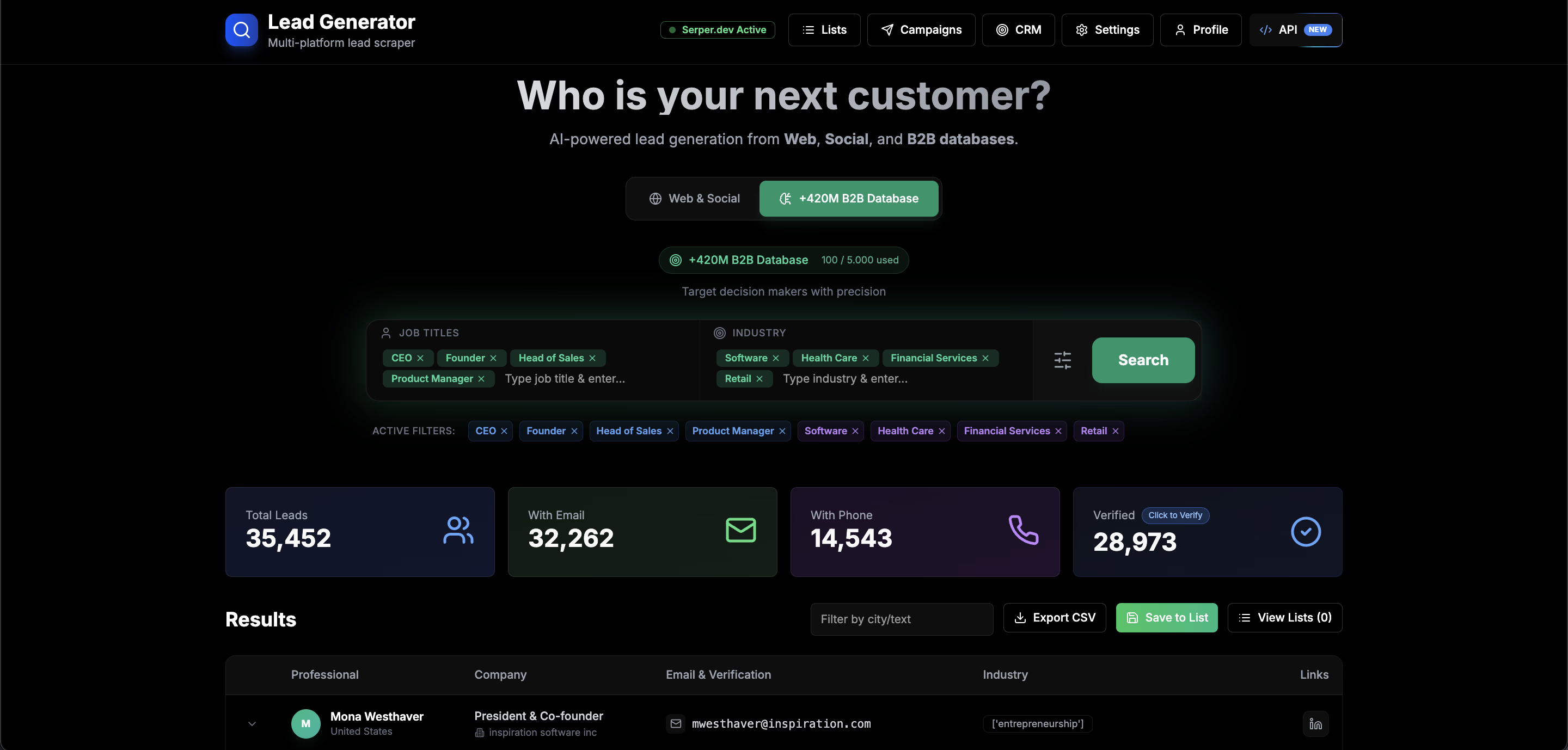
This is the only method that works for more than a handful of contacts. Databases like Getlead's 177M+ contact index have already matched people to their verified business emails. You search by name plus company, or by ICP filters (job title, industry, location), and export a list with emails attached. What takes hours manually takes seconds here.
The catch with cheap databases is staleness: contact data decays 2 to 3% per month as people change jobs. A good database re-verifies monthly, which is why Getlead runs SMTP verification on every export. Bad data is worse than no data because it costs you sender reputation.
2. Guess the pattern, then verify (best for one contact)
About 70% of companies use one of five email formats:
first.last@company.com(most common)first@company.comflast@company.comf.last@company.comfirstl@company.com
Generate the candidates for your target, then run each through a free email verifier. The SMTP check connects to the mail server and confirms which specific mailbox actually exists, without sending an email. One of the five almost always comes back deliverable.
3-5. The manual classics
Slower, one at a time, but free and sometimes the only option for smaller companies:
- Company website. About, team, contact and careers pages, plus press releases and legal notices, leak addresses constantly. Check the page source too.
- LinkedIn contact info. Some profiles list an email directly under "Contact info"; many more link a personal site that does.
- Social bios and lead magnets. Creators publish emails for collaborations; downloading a company's free resource often reveals the sending address and pattern.
6-9. The technical routes
- WHOIS records. Smaller company domains frequently register with a real, monitored inbox. Look it up on any WHOIS tool.
- GitHub commits. Developers' commit metadata carries their email. Check the public activity of a repo maintained by your target.
- Newsletter headers. The
List-Unsubscribeheader on a company's newsletter often exposes their sending infrastructure and address pattern. - Google operators. Searches like
"name" email @company.comorsite:company.com "@company.com"still surface published addresses.
The non-negotiable step: verify before you send
Every method above ends at the same gate. A guessed or scraped address that looks right but bounces is actively harmful: hard bounces are the strongest negative signal in sender reputation, and a list with 10%+ bad addresses can push your whole domain into spam within days.
Spot-check single addresses with the free email verifier, and for lists use bulk SMTP verification. The full logic is in our email verification guide and the bounce rate guide.
Is finding someone's email legal?
Processing publicly available business contact data for relevant B2B outreach is generally legal in the US under CAN-SPAM, provided you identify yourself and honor opt-outs. In the EU, GDPR's legitimate-interest basis covers relevant B2B outreach but requires an easy opt-out and transparency about your data source. Always include a working unsubscribe path, and never email consumers (B2C) the same way.
FAQ: finding email addresses
What is the easiest way to find someone's email?
For one person, guess the company pattern and verify it with a free email verifier. For many, search a verified B2B database.
How accurate is email pattern guessing?
About 70% of companies use a predictable pattern, so guessing plus SMTP verification is highly accurate for a single contact.
Can I find emails for free?
Yes, using manual methods plus a free email verifier. It is slower than a database but costs nothing.
Why do I need to verify found emails?
Bounces destroy sender reputation. Verifying confirms the mailbox exists before you send, keeping bounce rates under 2%.