ON THIS PAGE
By Efe Berke Colaker, Founder at GetleadReviewed by the Getlead editorial team for accuracy. Last updated August 2026.
Every email verifier promises accuracy percentages. Almost none explain what the check actually does. That makes it impossible to judge when the result can be trusted and when it is a coin flip dressed as a fact.
The mechanism is not complicated, and understanding it tells you exactly why some addresses come back as a definite answer and others never can.
The handshake, step by step
A verifier behaves like a mail server that changes its mind. It goes through the motions of delivering a message and stops at the last moment, so the recipient never receives anything.
- Look up the MX records for the domain. No MX record means no mail service, so the address cannot receive mail at all.
- Open a connection to the highest priority mail server on port 25.
- Introduce itself with EHLO, the standard greeting defined in the SMTP specification.
- Declare a sender with MAIL FROM, using a real address on a domain that can accept bounces.
- Ask about the target with RCPT TO. This is the question that matters.
- Read the response code, then send QUIT without ever issuing DATA, so no message body is transmitted.
The RCPT TO response is the whole test. A 250 means the server accepts mail for that mailbox. A 550 means it does not. Everything else, including timeouts and greylisting, lands in the ambiguous middle that most accuracy claims quietly ignore. The command sequence and these codes are defined in RFC 5321.
Why the probe sometimes gets blocked
Receiving servers know this technique and some resist it. Greylisting returns a temporary failure on first contact and expects a retry minutes later. Rate limiting cuts off a source making many probes in a row. Some large providers refuse to distinguish real mailboxes from invalid ones at all, as an anti harvesting measure.
This is why the reputation of the verifying infrastructure matters as much as the technique. Probes from an address with no history, or from an IP that has been hammering servers all afternoon, get worse answers than probes that look like ordinary mail traffic.
RCPT TO is the SMTP command that names the recipient, and the server's response to it is the entire verification result.
The four states and what to do with each
Verification is often presented as valid or invalid. In practice there are four outcomes, and the two in the middle are where judgement is required.
Send to confirmed valid. Never send to invalid. Segment catch-all separately and send at low volume, judging those prospects on replies rather than on status. Re-check unknown results later, because the cause is usually temporary rather than a property of the address.
The distribution above is the important number for planning. Just over 40% of a raw list is either dead or unconfirmable. That is why list size and usable list size are different quantities and should be budgeted separately.
SMTP verification is a check that opens a connection to the receiving mail server, asks whether a specific mailbox exists, and disconnects before any message is delivered.
For example, a 10,000 record file run through verification typically returns about 4,340 confirmed valid addresses, 2,390 invalid, 1,670 catch-all and 1,600 unknown. That means the usable list is closer to 4,300 than to 10,000 before any targeting filter is applied.
Why catch-all domains cannot be resolved
A catch-all domain is configured to accept mail for every possible address and sort it out internally. Ask about a mailbox that does not exist and you still get a 250, so the question you are asking has no informative answer.
That is a server configuration choice, not a verifier limitation. Any vendor claiming to confirm catch-all addresses is inferring from other signals. That may be reasonable but is not the same as verification and should not be labelled as such.
Working with catch-all prospects
- Keep them in their own segment so their bounce behaviour never contaminates your main metrics.
- Send in small volume from a mailbox you can afford to rest if the numbers move.
- Prefer accounts where the prospect matters enough to justify the uncertainty.
- Judge the segment on replies, since a delivered message with no bounce tells you nothing on a catch-all domain.
Handled that way, catch-all prospects are a manageable second tier rather than a hidden liability sitting inside your main list.
What verification does not tell you
A confirmed valid result answers exactly one question: does this mailbox accept mail right now. Four things it does not answer, all of which teams read into it anyway.
- Whether a human reads it. Shared and role based addresses like info@ or sales@ verify perfectly and rarely reach a decision maker.
- Whether the person still works there. The mailbox can outlive the employee by months.
- Whether it is a spam trap. Recycled trap addresses accept mail by design, which is what makes them traps.
- Whether the message will reach the inbox. Verification is about existence, placement is about reputation and content.
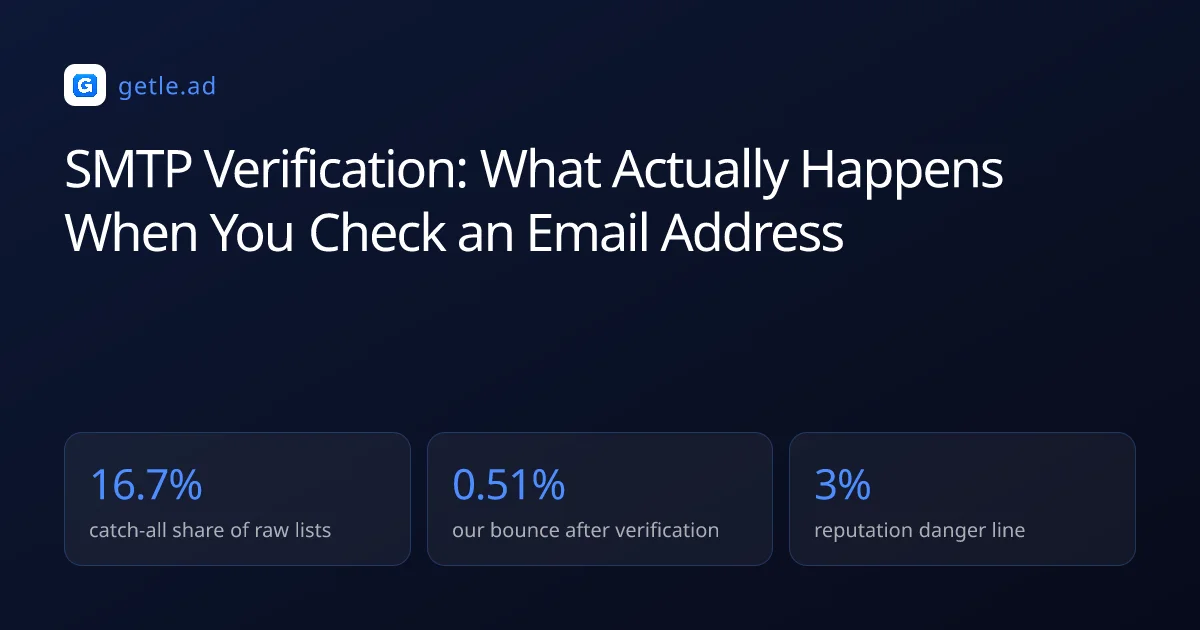
That last distinction is the one worth internalising. Verified sends in our data bounce at 0.51%, comfortably under the roughly 3% danger line. But a clean bounce rate says nothing about whether those delivered messages landed in an inbox or a spam folder.
Placement is whether an accepted message reaches the inbox or the spam folder, which verification cannot measure.
When to verify, and how often
Verification is a snapshot of a moving target. Contact data decays at roughly 2.1% a month, compounding to about 22.5% a year. So the useful question is not whether a list was verified but when.
- At acquisition, so you know what you actually bought or built before it enters the database.
- Before every send, on the specific segment going out. This is the check that protects the domain.
- Quarterly across the full active database, which keeps the verified share above 90%.
- After any long pause, because a segment parked for two months has lost several percent quietly.
Cost is rarely the obstacle: verification runs at a fraction of a cent per check, against a bounce that costs sender reputation you cannot buy back. The obstacle is process, which is why attaching it to the send rather than to a calendar reminder is what makes it actually happen.
Verifying at acquisition changes what you buy
Running the check the moment a list arrives turns a vendor conversation into an evidence based one. A supplier whose sample returns materially better than the 43.4% baseline is adding value. One that lands near it is selling you the same public data you could assemble yourself.
Keep the result on the record rather than in a spreadsheet somewhere. Six months later the difference between a sourced address and a guessed one is invisible unless it was written down at the point of acquisition.
Sources and method
First-party data (Getlead, 2026): the verification split of 43.4% confirmed valid, 23.9% invalid, 16.7% catch-all and 16.0% unknown comes from 383,368 addresses analyzed through live SMTP verification. And the 0.51% bounce rate comes from 34,973 tracked sends, aggregated and anonymized at campaign level. Full method in our cold email benchmark study.
External sources: the SMTP command sequence and response codes described here follow RFC 5321; contact decay of about 2.1% a month compounding to 22.5% a year comes from the HubSpot database decay model built on MarketingSherpa research.
US commercial email obligations, including accurate headers, a physical postal address and a working opt-out honored within 10 business days, come from the FTC CAN-SPAM compliance guide.
Figures were checked in August 2026.
Frequently asked questions
What is SMTP email verification?
It is a check that opens a connection to the receiving mail server and asks whether a specific mailbox exists, using the RCPT TO command, then disconnects before any message is delivered. A 250 response means the mailbox accepts mail and a 550 means it does not.
Does email verification send an email?
No. The verifier stops after the RCPT TO step and issues QUIT without ever sending the DATA command. So no message body is transmitted and nothing appears in the recipient's mailbox.
What does a catch-all result mean?
The domain is configured to accept mail for every address, so the server returns a positive response even for mailboxes that do not exist. Nothing can be confirmed. In our data 16.7% of raw records are catch-all, and they should be segmented separately and sent to at low volume.
How accurate is SMTP verification?
It is definitive for the confirmed valid and invalid outcomes, which together were 67.3% of the 383,368 addresses we checked. The remaining catch-all and unknown results are ambiguous by nature, so any single accuracy percentage that ignores those two states is misleading.
How often should I re-verify a list?
Verify at acquisition, before every send on the segment going out, and quarterly across the full active database. Contact data decays around 2.1% a month, so a quarterly cadence keeps the verified share above 90% and bounce rates under 1%.
Does a verified address mean the email will reach the inbox?
No. Verification confirms the mailbox exists, while placement depends on authentication, sender reputation, list relevance and content. Our verified sends bounce at 0.51%, but a clean bounce rate says nothing about whether delivered mail landed in the inbox or the spam folder.