ON THIS PAGE
By Efe Berke Colaker, Founder at GetleadReviewed by the Getlead editorial team for accuracy. Last updated August 2026.
A campaign goes out, the tool reports near perfect delivery, and nobody replies. The instinct is to rewrite the copy. The copy is almost never the reason, and rewriting it burns a week that the actual cause uses to get worse.
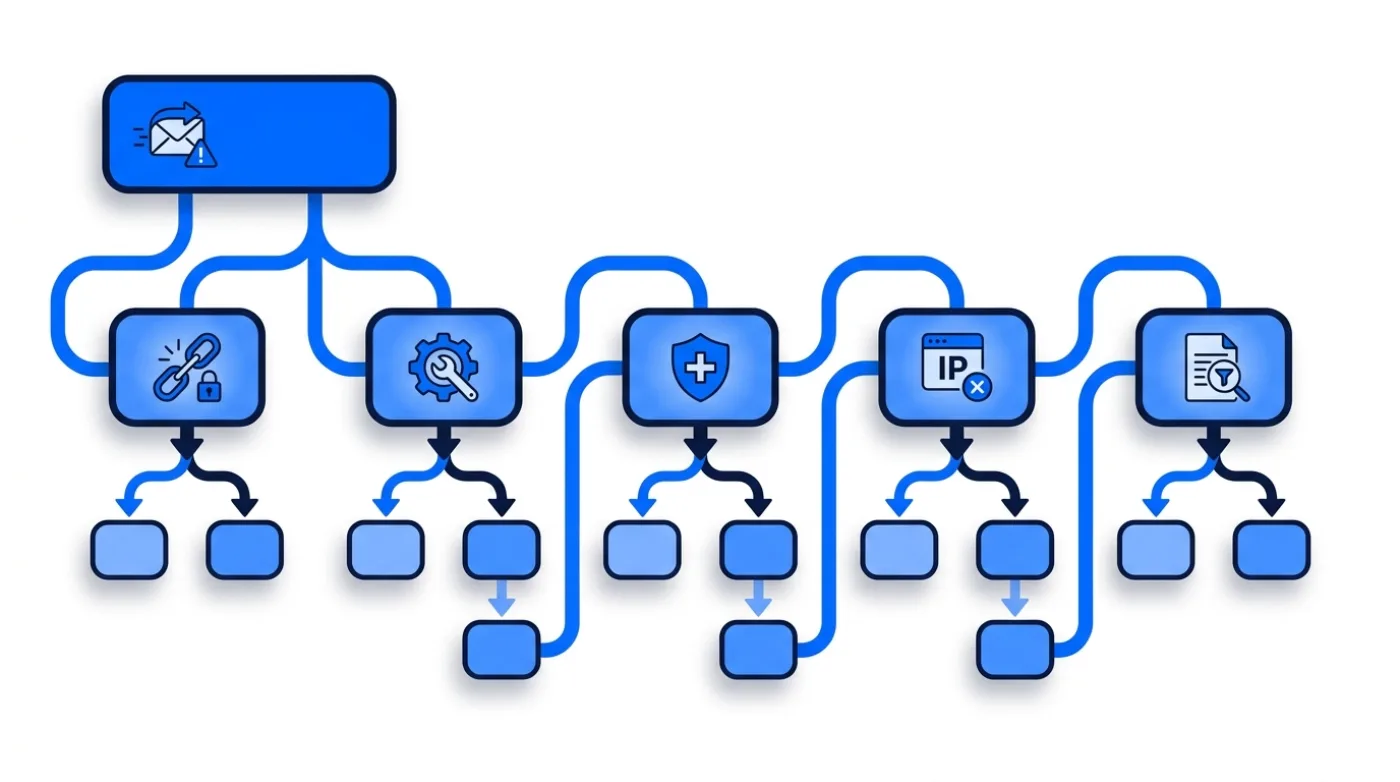
Spam placement has a dependency chain. Later causes only matter when the earlier ones are clean. So working the list in order saves you from fixing things that were never broken.
First, stop trusting the delivery number
Your sending tool knows one thing: whether the receiving server accepted the message. It has no idea what happened next. Accepted then filed in spam is reported as a successful delivery, which is why deliverability problems look like copy problems in dashboards.
The cheap test is a seed inbox. Create real accounts at Gmail, Outlook and Yahoo, put them in the campaign, and look at where the message lands. Do this before scaling any new segment or domain, and repeat it monthly.
Watch replies per thousand delivered as the ongoing signal. Open rate will not tell you, because privacy features auto open messages: our own tracked sends average 35.8% opens, a number that moves for reasons that have nothing to do with human interest.
Building a seed set that tells you something
Three accounts is the minimum: one personal Gmail, one Outlook or Hotmail, one Yahoo. Add a Google Workspace and a Microsoft 365 business mailbox if your prospects are mostly on business domains. Because business filtering is configured differently from consumer filtering and can disagree with it.
Keep the seeds behaving like people. An account that never opens anything and only receives your campaigns stops being representative within weeks. Open some messages, reply occasionally, and let the account carry normal mail alongside your tests.
Cause 1: authentication that does not align
The most common cause, and the only one that is a pure configuration fix. SPF, DKIM and DMARC have to exist and they have to align with the domain in the From header.
Check it on a real message rather than in a settings screen. Send to a personal Gmail account, open the original headers. And confirm SPF and DKIM both pass for your sending domain, not for the platform relaying the mail.
That last row is the point of doing this first. Once authentication is verifiably clean you can stop guessing about it, permanently, and every later diagnosis gets simpler.
DMARC is the policy that tells receiving servers what to do when a message claiming to be from your domain fails authentication.
Cause 2: a domain with no history, or the wrong history
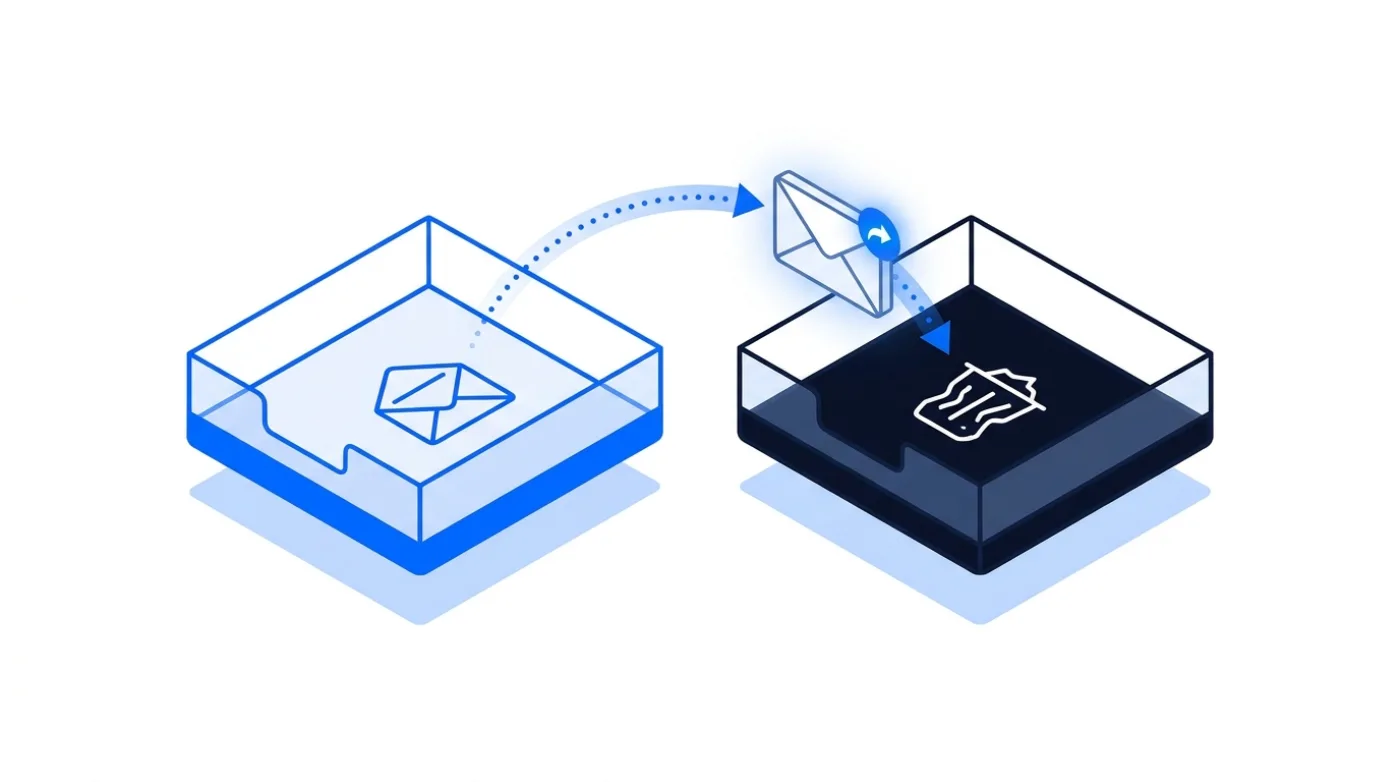
Filters weigh you against your own past. A domain registered last week has no past, so the only evidence available is the shape of the current send. And a burst of outbound from a brand new domain is the signature of throwaway spam infrastructure.
- Brand new domain: warm for two to three weeks before it carries campaign volume.
- Previously burned domain: reputation follows the domain. A cheap expired domain can arrive pre damaged.
- Your corporate domain: never send cold outbound from it. One bad campaign takes your invoices and support replies down with it.
- Shared platform IPs: your neighbours affect you, which is another reason domain reputation matters more than IP reputation for small senders.
Warm-up is not a growth hack, it is the manufacture of the history filters look for: small volumes, real opens and replies, increasing gradually. Skipping it is the second most common reason a technically perfect setup still lands in spam.
How long a domain needs before real volume
Two to three weeks of warm-up is the working range for a fresh domain, and the shape matters more than the total. Start in the low tens of messages a day, increase gradually, and keep the growth curve smooth. A domain whose largest ever send is today's campaign looks like a domain built for today's campaign. Where the calendar does not allow two to three weeks, the honest alternative is to buy pre-warmed email accounts, where that curve was run before the order rather than skipped.
Buying an aged domain does not shortcut this. Age without sending history carries no reputation, and an expired domain may arrive with someone else's damage attached. Register clean, warm properly, and treat the domain as an asset you will still be using in three years.
Warm-up is the practice of building sending history on a new domain through small volumes of opened and answered mail.
Cause 3: the list, which is usually the real answer
When authentication is clean and the domain is warm, the list is where the problem lives. Filters read three things from your list quality, and all three are visible to them before any human reads a word.
- Hard bounces. Sending to dead mailboxes signals that you did not source the list carefully. Verified sends in our data bounce at 0.51%, against a roughly 3% danger line.
- Spam traps. Recycled abandoned addresses exist specifically to catch senders using old data. You cannot detect them by inspection, only avoid them with fresh, verified records.
- Complaints. Irrelevant recipients mark mail as spam, and the ceiling is 0.3% of delivered messages.
All three are downstream of the same decision: how old the data is and how tightly it was targeted. Verification removes the dead records, and segmentation removes the irrelevant ones. Neither is a copy exercise.
Spam placement is the outcome where a receiving server accepts a message and then files it outside the primary inbox. That is why delivery reports and placement are different measurements.
For example, a 2,000 message campaign to an unverified file will typically show 99% delivery in the sending tool while roughly a quarter of the addresses hard bounce and the remainder land in spam folders, producing the familiar pattern of high delivery and zero replies.
Cause 4: a sending pattern that looks automated
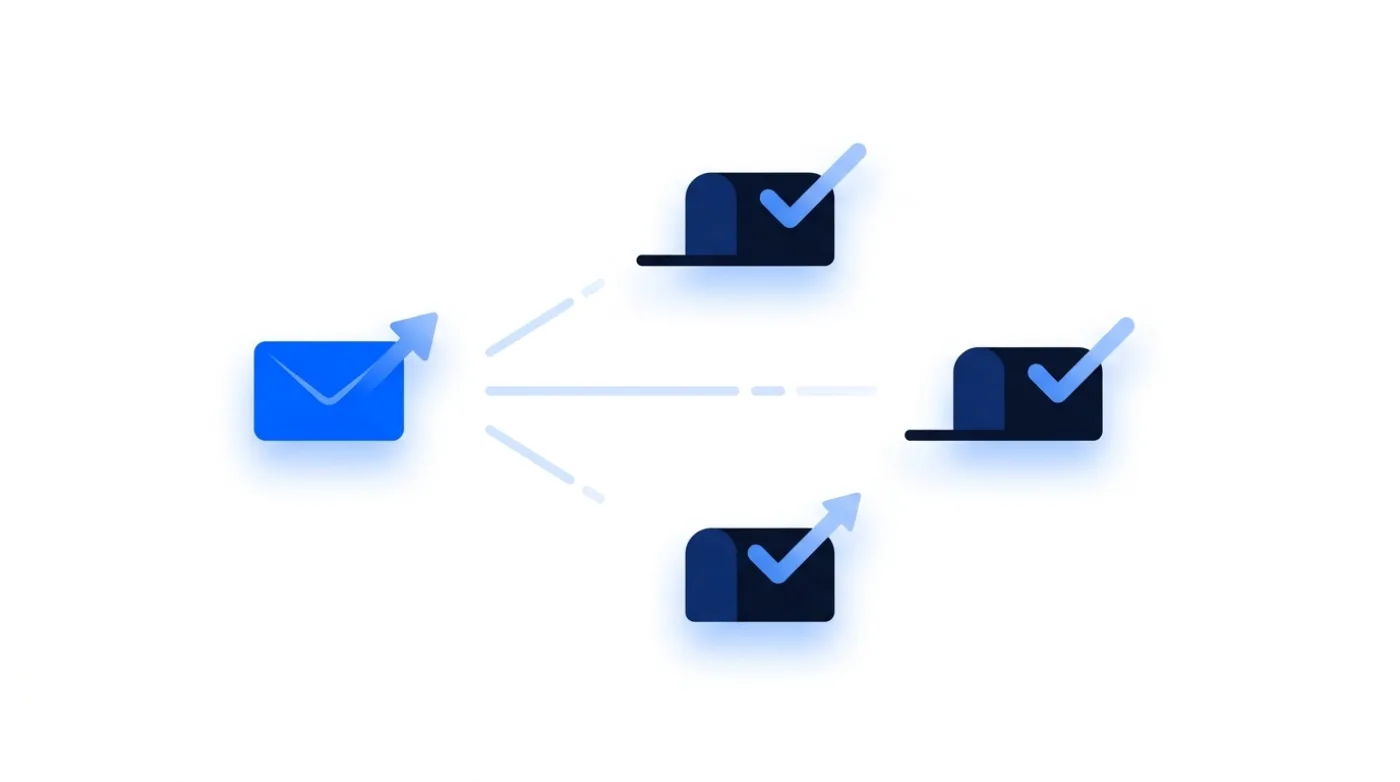
Filters model behaviour as well as content. Human mail is irregular. Automated mail is suspiciously even, and the tells are mechanical.
- Perfectly uniform intervals between messages, around the clock.
- A daily volume that jumps from 20 to 400 with nothing in between.
- Identical message bodies across thousands of recipients with only a first name changing.
- Sending at full volume seven days a week, including hours when nobody in the target market works.
Fixes are boring: randomize intervals, cap per mailbox volume, ramp gradually, and vary the message beyond a merge field. Capacity comes from more mailboxes at conservative volume, not from one mailbox pushed to its ceiling.
Cause 5: content, which matters last and least
By the time you get here the wins are small, but they are real and they are cheap.
- Link count: one link is fine, five in a first touch is not.
- Link reputation: shortened links and freshly registered tracking domains inherit other people's problems.
- Images and heavy HTML: a plain text shaped message from a person outperforms a designed template in cold outbound.
- Attachments in a first message: unnecessary risk with no upside.
- Subject lines that misrepresent the message: they convert into complaints, which is cause 3 in disguise.
Notice that most of these are about restraint rather than craft. The measurable content lever in cold email is what you leave out.
What to test instead of rewriting
If placement is clean and replies are still thin, the problem is the offer rather than the deliverability stack. Test one variable at a time: the segment, then the first line, then the ask. Changing all three at once produces a result you cannot attribute to anything.
Use replies per thousand delivered as the scoreboard, not opens. Our tracked sends average 35.8% opens, a figure inflated by privacy features that fetch images without a human involved. So an open rate improvement can mean nothing at all.
And measure per segment. An aggregate reply rate across four audiences hides the one that works. That is usually the smallest and the one a volume mindset would have cut first.
Sources and method
First-party data (Getlead, 2026): the verification split of 43.4% confirmed valid, 23.9% invalid, 16.7% catch-all and 16.0% unknown comes from 383,368 addresses analyzed through live SMTP verification. The 0.51% bounce rate and 35.8% open rate come from 34,973 tracked sends, aggregated and anonymized at campaign level, with the full method in our cold email benchmark study.
External sources: authentication requirements, the 0.3% spam complaint ceiling and sender reputation reporting (Google Workspace sender guidelines and Postmaster Tools, 2026); one click unsubscribe as specified in RFC 8058.
US commercial email obligations, including accurate headers, a physical postal address and a working opt-out honored within 10 business days, come from the FTC CAN-SPAM compliance guide.
Figures were checked in August 2026 and provider policies change without notice.
Frequently asked questions
Why do my cold emails go to spam even though delivery is 99%?
Delivery only means the receiving server accepted the message. Placement, meaning inbox versus spam folder, happens after acceptance and is invisible to your sending tool. Use seed accounts at Gmail, Outlook and Yahoo in the campaign to see where messages actually land.
What is the first thing to check when emails land in spam?
Authentication alignment. Send to a personal Gmail account, open the original message headers. And confirm SPF and DKIM both pass for your sending domain rather than for the platform relaying the mail. Only move to domain history and list quality once that is verifiably clean.
Can a bad list cause spam placement even with perfect authentication?
Yes, and it is the most common cause once configuration is clean. Old lists produce hard bounces, spam traps and complaints. In our verification data 23.9% of raw records are invalid and 16.7% are catch-all. So about 40.7% of an unverified file is dead or unconfirmable.
Does copy affect spam placement?
It does, but least of the five causes. Excessive links, shortened or newly registered link domains, heavy HTML, attachments in a first touch, and misleading subject lines all hurt. Most content wins come from removing things rather than writing better.
How long does it take to fix spam placement?
A pure authentication fix can improve placement within days. Reputation damage from sending to a bad list takes weeks. Because you have to stop, clean the list, and rebuild sending history at low volume before scaling again.
Should I use a separate domain for cold email?
Yes. Cold outbound should never run from the domain that carries invoices, contracts and support replies. A separate sending domain contains the damage from any bad campaign and lets you warm and scale it independently.