
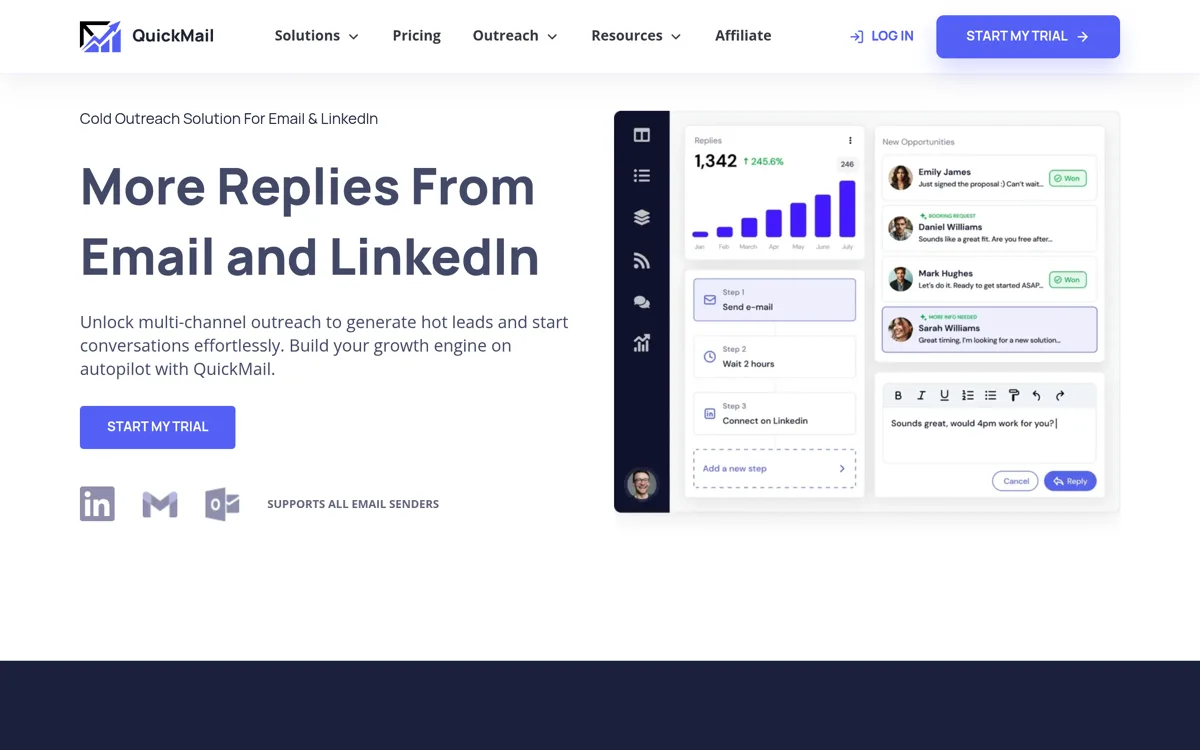
QuickMail is loved for deliverability analytics: its Auto-Warmer and MailFlow tooling give unusual visibility into inbox placement. That measurement is a real edge. But it brings no lead database and no verification, so a full setup means QuickMail plus data plus a verifier. Teams that want fewer subscriptions look for a QuickMail alternative.
This guide compares Getlead vs QuickMail honestly: where QuickMail's analytics win, what it lacks, and who should pick which. Getlead is our product, so we will be specific about the trade-offs.
The short answer
Why teams look for a QuickMail alternative
- No lead database. QuickMail sends and measures but brings no data. You buy a separate database.
- No built-in verification. You add a third tool to keep bounce rates safe.
- Utilitarian interface. Powerful analytics, but the UI is functional rather than polished.
- Add-ons on top. The advertised plan is the floor; data and verification are billed on top of it.
Verify current details on the official QuickMail site and read unfiltered user sentiment on QuickMail's G2 reviews.
Getlead vs QuickMail at a glance
Pricing: the real cost of each
Here is what QuickMail actually costs once everything is included:
Getlead's entire pricing is one flat plan, with monthly allowances that reset:
Feature by feature
Data and deliverability
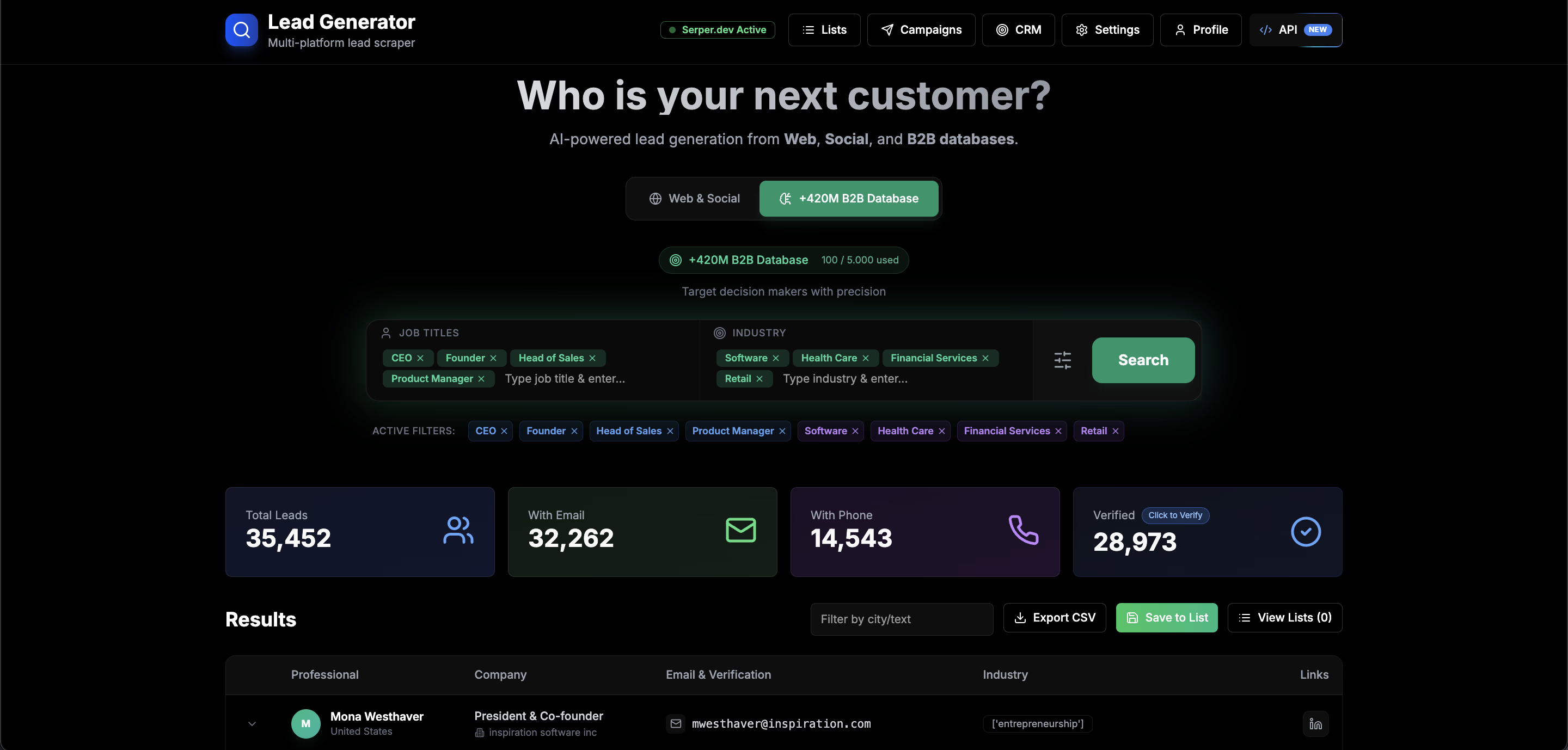
QuickMail sends and measures but brings no data. Getlead includes a 177M+ verified database and live scraping, with unlimited SMTP verification, so you do not stack a data subscription and a verifier.
QuickMail's MailFlow analytics are excellent for measuring placement. Getlead includes warm-up and verification so lists are clean and inboxes warm, and pairs with the free deliverability test for the same visibility on your DNS.
Whichever you choose, authenticate your domain first: run it through the free deliverability test and your copy through the spam test before scaling.
Who each tool is actually for
Choose QuickMail if: Choose QuickMail if deep deliverability analytics and inbox-placement measurement are your priority and you already own data and verification.
Choose Getlead if: Choose Getlead if you want the data, verification and sending in one tool on one flat plan rather than a sender plus analytics plus two more subscriptions.
“QuickMail's analytics found a placement problem for us, but we still paid for data and verification. Getlead bundled it all on one flat plan.”
Alex M. · Consultant, RevOps
How to switch to Getlead
- Export your QuickMail lists to CSV.
- Import into Getlead. Every address is re-verified automatically, so stale data gets cleaned on the way in.
- Connect your inboxes and start warm-up immediately so reputation is ready before you scale.
- Rebuild your sequences or start from a template and launch.
The verdict
QuickMail is the deliverability-analytics leader and a strong pick for senders who want the data to prove placement, if they already have leads and verification. For teams that want everything in one place, Getlead includes the data and verification QuickMail lacks, on one flat plan that a few months of QuickMail exceeds.
Getlead vs QuickMail FAQ
Does Getlead have deliverability analytics like QuickMail?
QuickMail's MailFlow is best in class for placement analytics. Getlead includes warm-up and verification plus a free deliverability test, covering the fundamentals in one tool.
Does Getlead include leads?
Yes, 177M+ verified contacts plus live scraping on every plan. QuickMail includes none.
Is Getlead cheaper than QuickMail?
On total cost yes, because QuickMail needs separate data and verification. Getlead is one flat plan from $19.90 a month.
Does Getlead warm up inboxes?
Yes, unlimited inbox warm-up included. QuickMail's Auto-Warmer network is also strong; the difference is Getlead bundles data and verification too.