ON THIS PAGE
By Efe Berke Colaker, Founder at GetleadReviewed by the Getlead editorial team for accuracy. Last updated August 2026.
Sales Navigator has the best filters in B2B and the worst export story. Both facts come from the same place: the platform is designed to keep the data inside it.
So the useful question is not how to extract it, it is how to use the filtering without putting a real account at risk.
What it is genuinely good for
Sales Navigator is a paid search layer over profile data, with filters for headcount, seniority, function, geography and recent activity that most databases do not match.
For example, filtering to operations leaders at 20 to 200 person agencies in two countries takes a minute and produces an accurate picture of the market. Turning that picture into a mailable list is a separate job with separate tools.
Why automation risks the account
Browser extensions and scripts that page through results run inside your logged in session. The platform sees your account performing the activity, and account level action is the enforcement mechanism.
That changes the risk calculus compared with email. A burned sending domain costs ten dollars and three weeks of warm-up. A restricted LinkedIn account costs a professional network built over years.
There is a legal dimension too. Logged out access to public pages has been treated as defensible, while activity from an account bound by accepted terms is a contract question, which is precisely how the best known scraping case was decided.
The safer path from filter to inbox
- Define the segment in Sales Navigator, since the filters are the product.
- Record the segment definition rather than the individual rows: titles, headcount band, geography, industry.
- Rebuild that segment in a B2B database, where contact resolution is the point.
- Resolve named contacts and verify the addresses in the week you plan to send.
- Keep provenance per record, since a database record and a manually copied one are different objects.
The second step is the one that saves the most trouble. A segment definition is portable, reusable and carries no platform risk, while a copied list of names is a snapshot that decays and cannot be refreshed.
Sources and method
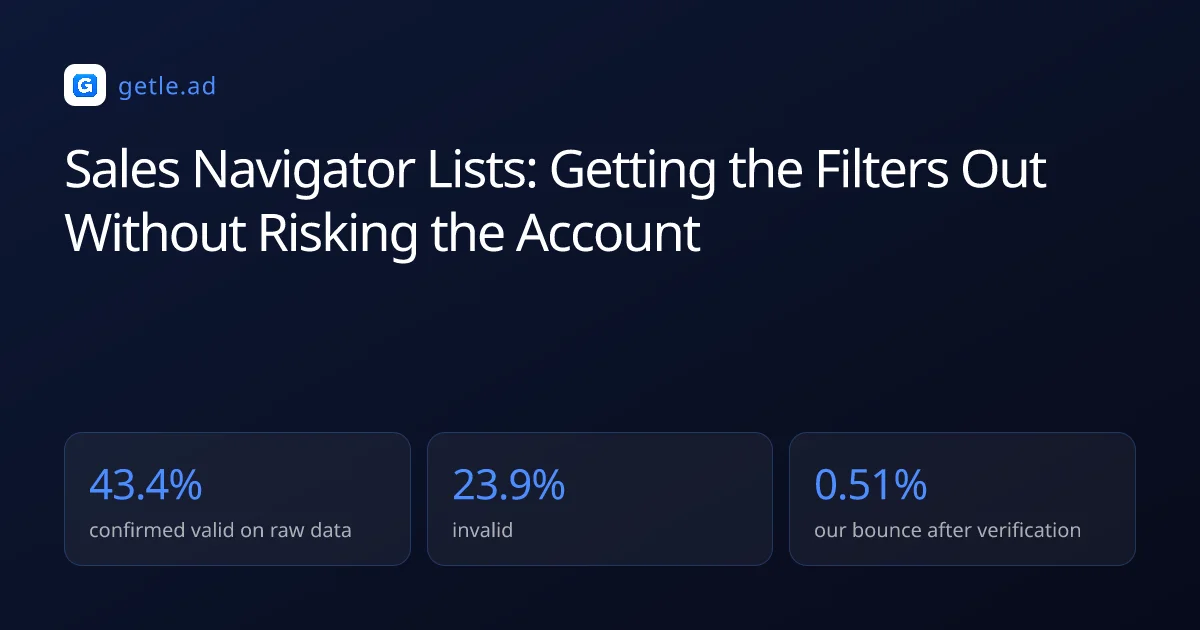
First-party data (Getlead, 2026): the verification split of 43.4% confirmed valid, 23.9% invalid, 16.7% catch-all and 16.0% unknown comes from 383,368 addresses analyzed through live SMTP verification, and the 0.51% bounce rate comes from 34,973 tracked sends, aggregated and anonymized at campaign level. Full method in our cold email benchmark study.
External sources: the hiQ v LinkedIn outcome on public data and contract terms, and the 2024 Meta v Bright Data decision on logged out access, are summarised in 2026 legal reviews; notice duties for third party sourced personal data come from Article 14 of the GDPR; US commercial email rules come from the FTC CAN-SPAM compliance guide.
This is operational guidance rather than legal advice. Platform terms and prices change without notice, and figures were checked in August 2026.
Frequently asked questions
Can I export contacts from Sales Navigator?
Not cleanly, and it holds no email addresses in any case. The platform is a filtering and research layer, so the practical use is defining a segment precisely and then resolving contacts elsewhere.
Is scraping Sales Navigator risky?
Yes, in a way email is not. Extensions and scripts run inside your logged in session, so enforcement lands on your account rather than on a replaceable sending domain, and a restricted account costs a network built over years.
Is it legal to scrape Sales Navigator?
Activity from a logged in account bound by accepted terms is a contract question rather than a public data one. Courts have treated logged out access to public pages as defensible, which is a different situation from an authenticated session.
What should I take from Sales Navigator instead of rows?
The segment definition: titles, seniority, headcount band, geography and industry. A definition is portable and refreshable, while a copied list of names is a snapshot that starts decaying the moment it is taken.
How do I get email addresses for a Sales Navigator segment?
Rebuild the same filters in a B2B database that resolves contacts, then verify the addresses in the week you send. In our data 23.9% of raw B2B addresses are invalid, so resolution without verification is not enough.
Does Sales Navigator replace a lead database?
No. It is stronger on current titles and filtering and holds no contact routes, while a database exists to provide verified addresses. Most teams use the first to define the market and the second to reach it.