ON THIS PAGE
By Efe Berke Colaker, Founder at GetleadReviewed by the Getlead editorial team for accuracy. Last updated August 2026.
Surfe reads like a normal per seat tool until you notice the credit allowances are annual rather than monthly, which changes what the plan can actually support.
Once you see that, the positioning becomes clear: this is a CRM workflow product with contact data attached, rather than a data product with a CRM connector.
The plans and the annual pool
Independent 2026 reviews report those allowances as annual rather than monthly, with unused credits expiring at the end of the subscription period.
An annual credit allowance means the number you see is your budget for twelve months, so dividing it by twelve gives the monthly reality.
Doing the division nobody does
The arithmetic is short and it decides whether this tool fits your process at all.
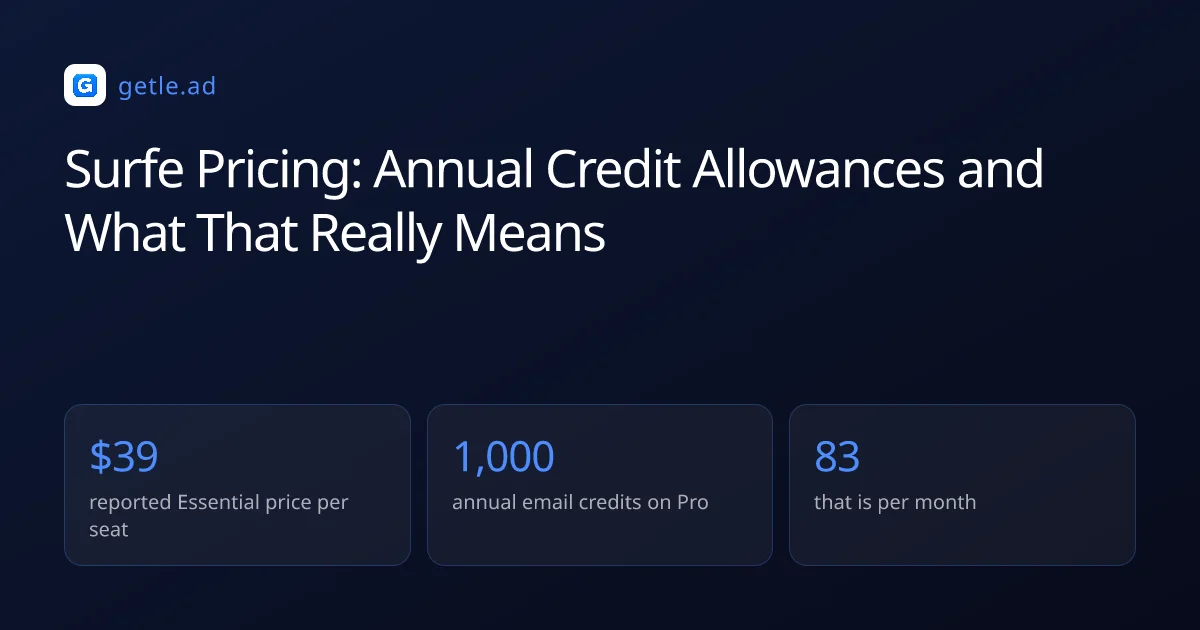
For example, a rep on Pro has roughly 83 email lookups a month. That is a considered account list worked carefully, not a prospecting engine.
Read against a monthly credit tool the numbers look small, and the comparison is fair only if you convert both to the same period first.
What you are really paying for
Judged as a data purchase this pricing looks thin. Judged as a CRM workflow purchase it looks different, which is the intended reading.
The differentiator reported across reviews is bidirectional sync between LinkedIn and the major CRMs, so saving a profile lands a mapped, enriched contact record rather than a copied address.
That saves manual entry, which is a real cost in a rep's week. Whether it is worth a seat price depends on how much of your process actually runs inside the CRM.
Who it fits
The shape that fits is a small team selling into a named account list where every contact matters and the CRM is the system of record.
Verification is still yours to run
A waterfall across many sources improves the chance of a match. It does not tell you the mailbox still exists on the day you send.
Across 383,368 raw B2B addresses we verified, 23.9% were invalid and 16.7% sat behind catch-all domains. Enriched records join that distribution as soon as they age.
With a small annual credit pool the stakes are higher than usual, because a wasted lookup is a larger share of the year's budget than it would be on a monthly plan.
Sources and method
First-party data (Getlead, 2026): the verification split of 43.4% confirmed valid, 23.9% invalid, 16.7% catch-all and 16.0% unknown comes from 383,368 addresses analyzed through live SMTP verification, and the 0.51% bounce rate comes from 34,973 tracked sends, aggregated and anonymized at campaign level. Full method in our cold email benchmark study.
External sources: per seat prices, the annual credit allowances for free, Essential and Pro, expiry at the end of the subscription period and the bidirectional CRM sync come from independent Surfe reviews published in 2026.
Prices change without notice and published tiers are frequently renegotiated in practice, so treat every figure here as a starting point for your own quote rather than a fixed rate. Checked in August 2026.
Frequently asked questions
How much does Surfe cost?
Reported pricing is $39 a user a month for Essential and $79 for Pro, with up to a quarter off on annual billing and a permanent free tier. Credit allowances differ sharply between the tiers.
Are Surfe credits monthly or annual?
Annual. Essential is reported at 150 email and 50 mobile credits a year, Pro at 1,000 email and 100 mobile credits a year, with unused credits expiring at the end of the subscription period.
How many lookups does that give per month?
Roughly 83 email lookups a month on Pro and about 12 on Essential. That supports a carefully worked account list rather than bulk prospecting, so convert any competitor comparison to the same period first.
What is Surfe actually best at?
Bidirectional sync between LinkedIn and the major CRMs. Saving a profile produces a mapped, enriched contact record rather than a copied address, which removes manual entry from a rep's week.
Is Surfe suitable for building large lists?
No. The annual credit allowances make bulk work impractical at any tier, and the product is designed around individual profile workflows tied to a CRM rather than segment exports.
Do I still need to verify addresses from Surfe?
Yes. A multi source waterfall improves match rates but says nothing about whether the mailbox exists on send day, and 23.9% of raw B2B addresses in our verification came back invalid.