ON THIS PAGE
By Efe Berke Colaker, Founder at GetleadReviewed by the Getlead editorial team for accuracy. Last updated August 2026.
Vendors say you need a CRM on day one. Teams that started in a spreadsheet know it works for longer than that, and both are right about different things.
The threshold is not a headcount or a revenue number, it is a set of failures that appear in a particular order.
Where a spreadsheet genuinely works
For one person running one segment at a time, a sheet is faster than any CRM: no schema negotiation, instant filtering, and every column visible at once.
For example, a solo founder sending 200 messages a month can run the whole motion from one sheet and lose nothing. The same sheet with three senders produces duplicate outreach within a fortnight.
The four failures that mark the threshold
- Concurrency. Two people edit the same rows and one overwrites the other, silently.
- Suppression. An opt-out recorded in one tab does not stop a send from another.
- History. Nobody can see what was sent, when, or what came back.
- Verification state. The sheet has no place to record when an address was last checked, so nobody knows.
The second failure is the expensive one. An opt-out that does not propagate is a compliance problem as well as an embarrassment, and it is structurally impossible to guarantee in a shared sheet.
Clean before you migrate
A migration copies whatever the sheet contains, including the parts nobody wants. Do the cleanup first, while the data is still in a tool built for bulk editing.
- Normalise addresses, then deduplicate on address and on canonical domain.
- Split role addresses into a separate segment rather than deleting them.
- Verify the active records and record the date alongside the result.
- Add a source column and fill it, even if the honest value is unknown.
- Retire records that have been unreachable and unengaged for a year.
For example, importing 40,000 rows with a 12% duplicate rate creates a CRM with a 12% duplicate rate and a reporting problem that takes months to notice.
The fields that matter either way
Verification state with a date and provenance per record are the two fields that decide data quality, and neither depends on which tool holds them.
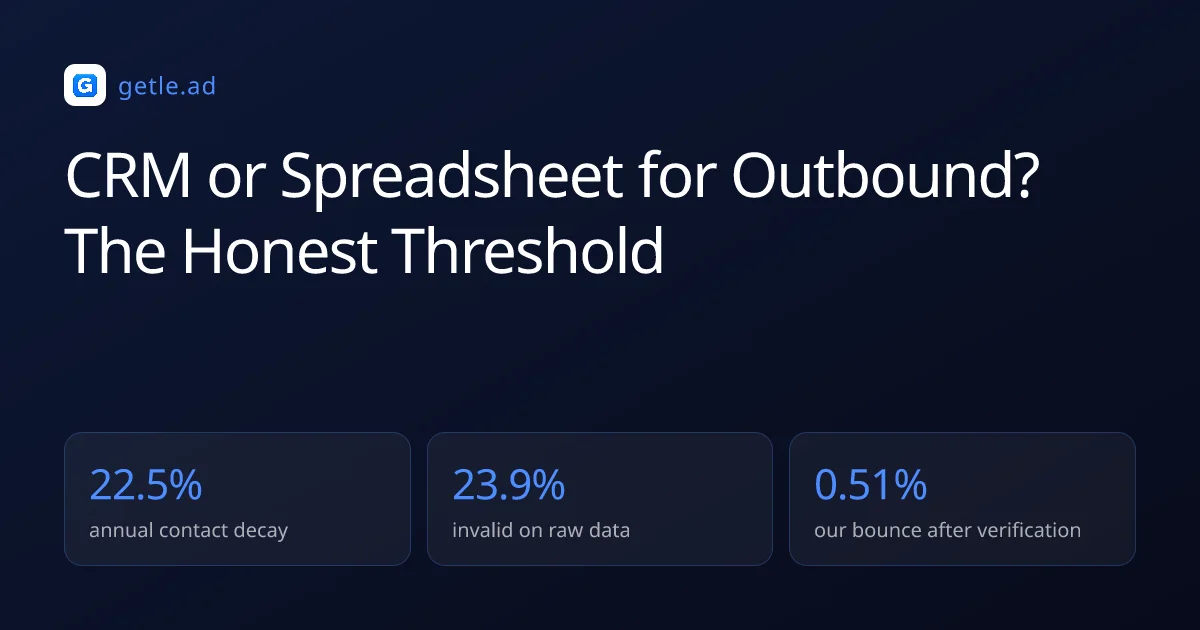
Contact data decays at roughly 2.1% a month, so a verified flag without a date is close to meaningless within a quarter. A source without a date is equally unhelpful when someone asks where a contact came from.
Sources and method
First-party data (Getlead, 2026): the verification split of 43.4% confirmed valid, 23.9% invalid, 16.7% catch-all and 16.0% unknown comes from 383,368 addresses analyzed through live SMTP verification, and the 0.51% bounce rate comes from 34,973 tracked sends, aggregated and anonymized at campaign level. Full method in our cold email benchmark study.
External sources: contact decay of about 2.1% a month compounding to 22.5% a year comes from the HubSpot database decay model built on MarketingSherpa research; the average annual cost of poor data quality is Gartner's widely cited estimate; US commercial email obligations come from the FTC CAN-SPAM compliance guide.
Third party benchmarks vary in methodology and should be read as directional. Checked in August 2026.
Frequently asked questions
When should I move from a spreadsheet to a CRM?
When more than one person writes to it. The failure is concurrency rather than features: two people editing the same rows overwrite each other silently, and suppression cannot be enforced across tabs.
What are the four spreadsheet failure modes?
Concurrent edits overwriting each other, opt-outs that do not propagate across campaigns, no history of what was sent and what came back, and no place to record when an address was last verified.
Should I clean data before migrating?
Yes. A migration copies whatever the sheet contains, so importing 40,000 rows with a 12% duplicate rate produces a CRM with the same problem plus a reporting issue that takes months to surface.
Can a spreadsheet handle suppression?
Not reliably. An opt-out recorded in one tab does not prevent a send from another, which is a compliance exposure rather than an inconvenience, and it cannot be structurally guaranteed in a shared sheet.
What fields matter regardless of the tool?
Verification state with the date it was checked, and provenance showing where each record came from and when. Contact data decays around 2.1% a month, so a verified flag with no date means little within a quarter.
Is a CRM worth it for a solo founder?
Often not at first. One person running one segment moves faster in a sheet, and the overhead of schema and process only pays back once concurrency, suppression and history start to matter.